Bleach Soul Resonance Codes
Redeem these codes in-game to get free Soul Crystals, Summoning Tickets, and other valuable rewards. Codes are updated daily!
Last updated: November 23, 2025
5
Active Codes
1,800+
Soul Crystals
13+
Summon Tickets
2
No Expiry
Code Redemption Interfaces
Familiarize yourself with these game screens to redeem codes efficiently:
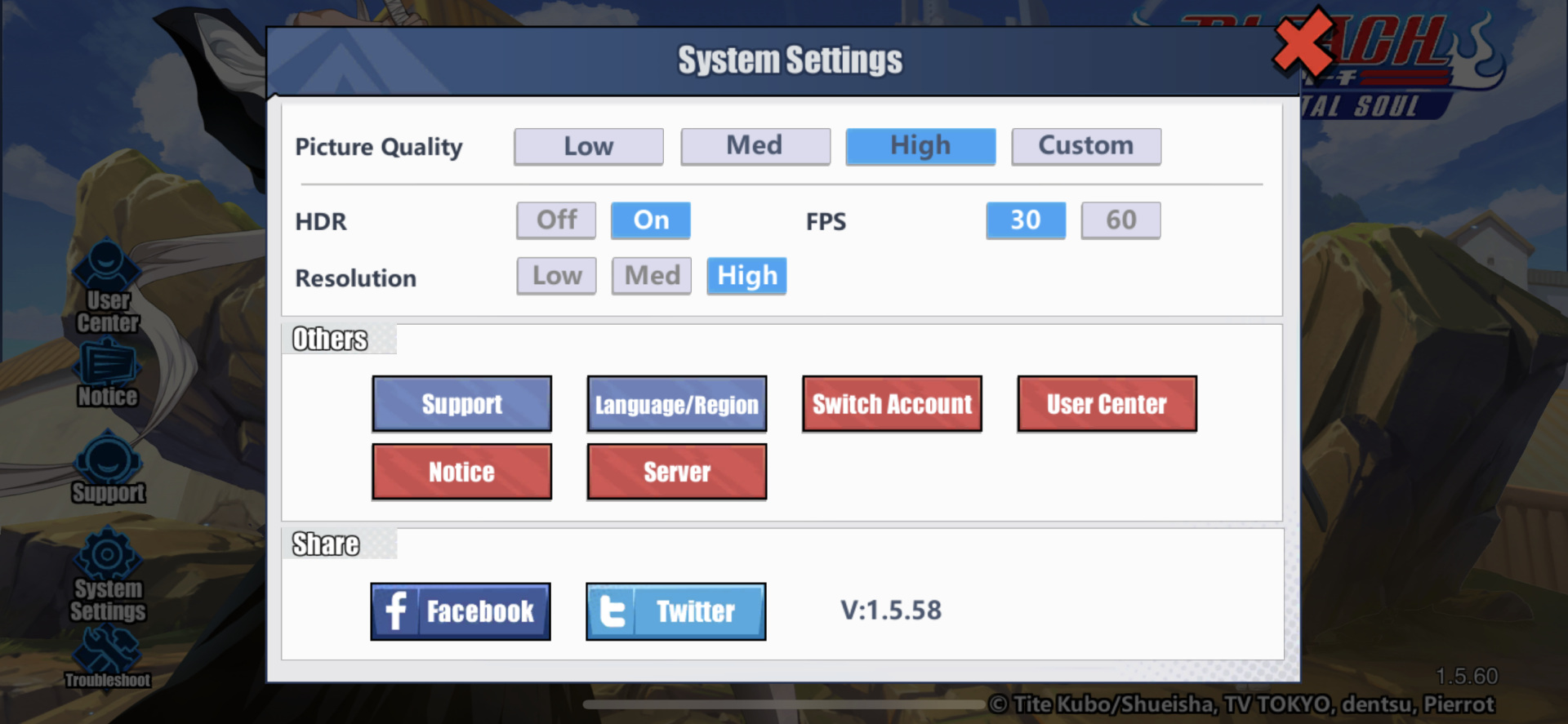
Settings Menu
Navigate to redeem codes here
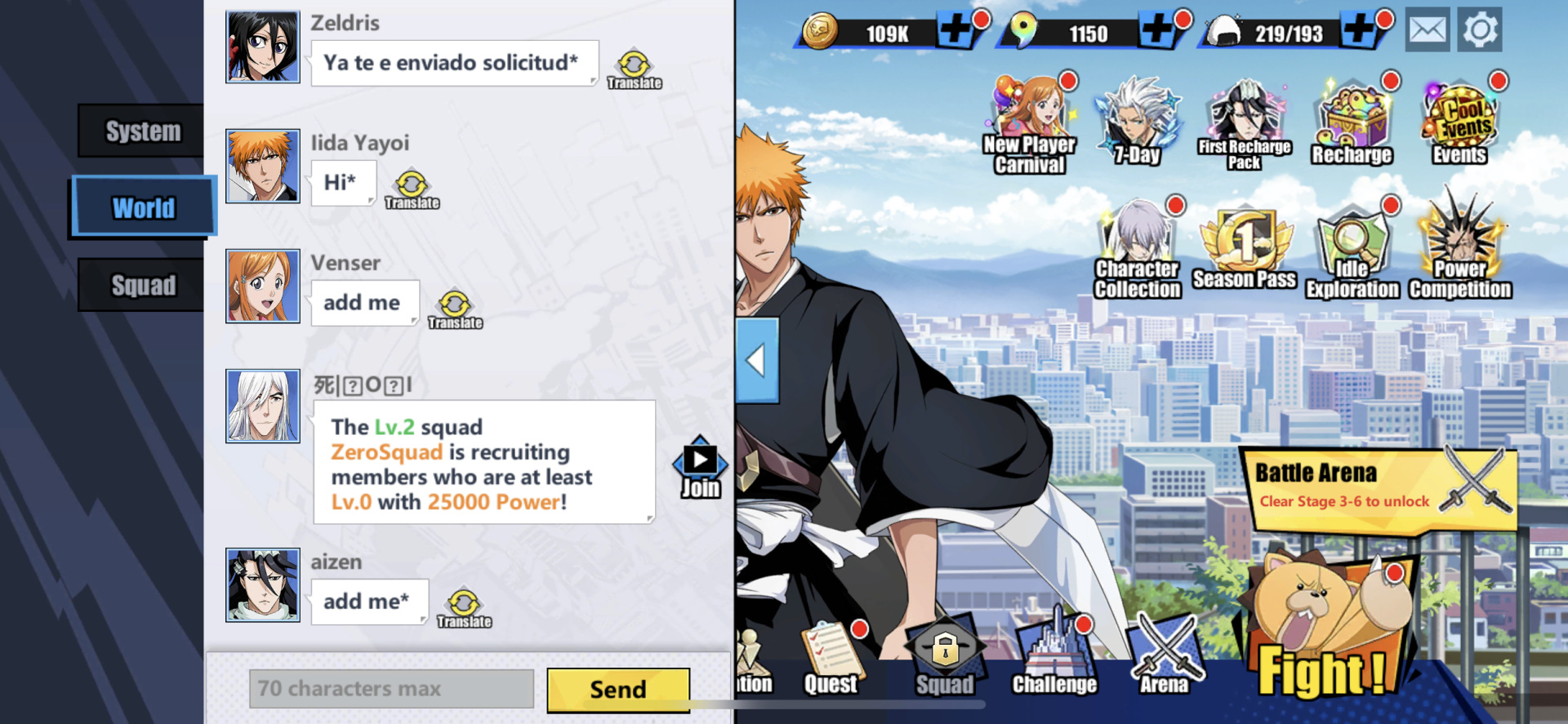
Code Entry
Enter codes exactly as shown
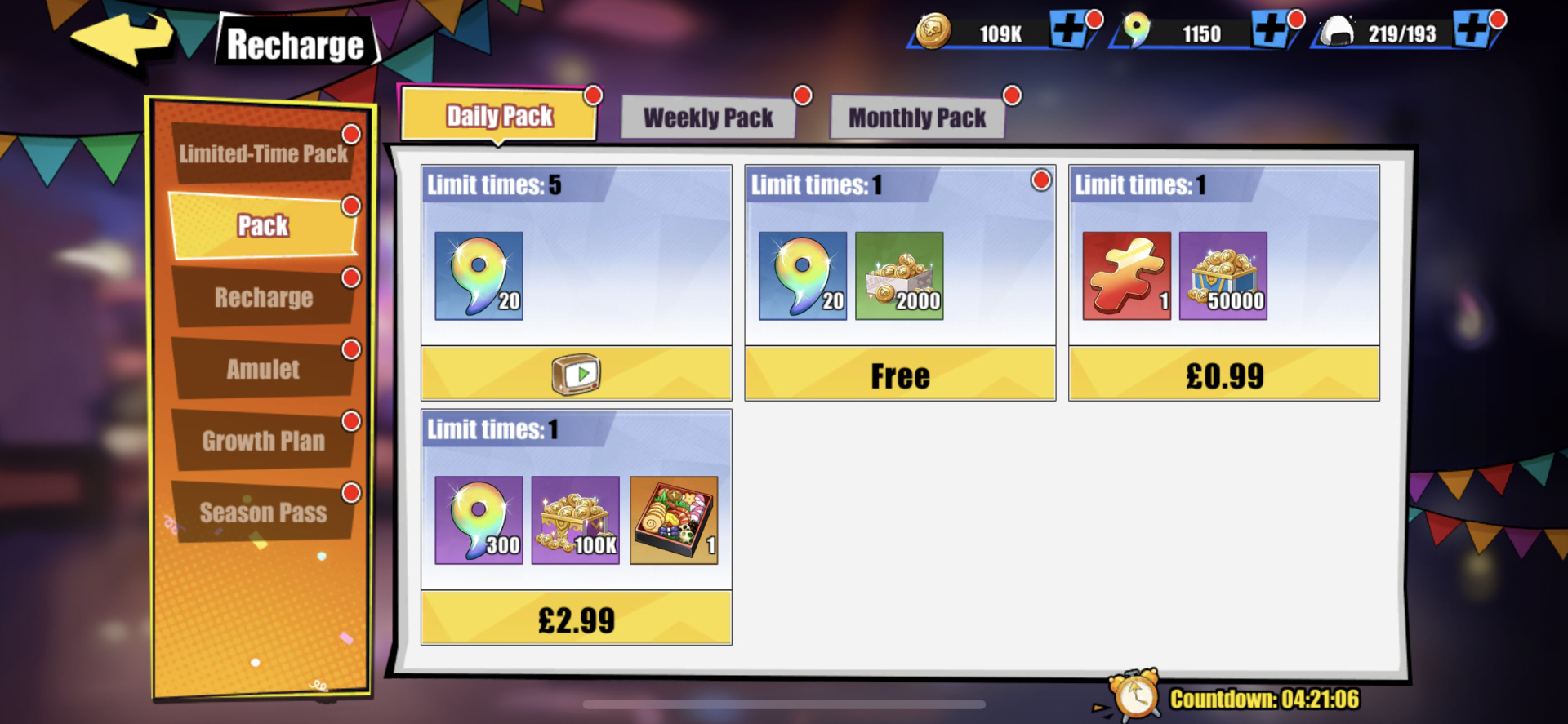
Shop
Use earned crystals here
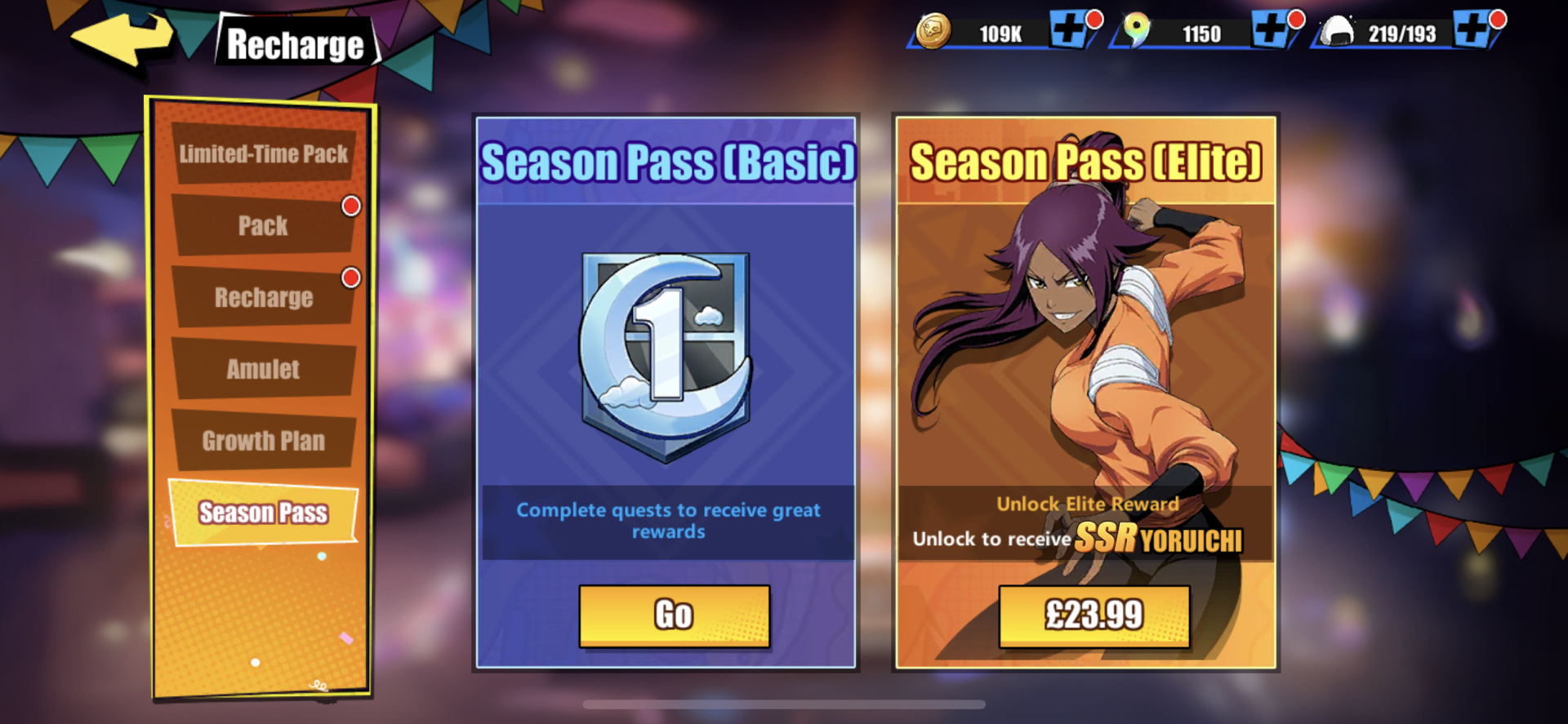
Special Events
Check for event-specific codes
How to Redeem Codes - Quick Guide
- 1Open Bleach Soul Resonance on your device
- 2Tap your profile icon in the top-left corner
- 3Select "Settings" and then "Redemption Code"
- 4Enter the code exactly as shown and tap "Confirm"
- 5Check your in-game mailbox to claim your rewards
Complete Code Redemption Tutorial
Follow this detailed guide to successfully redeem all available codes and maximize your free rewards. This tutorial includes troubleshooting tips for common issues.
Step-by-Step Redemption Process (Detailed)
Step 1: Launch the Game and Reach Main Menu
Open Bleach Soul Resonance on your device (mobile, tablet, or PC emulator). Wait for the game to fully load and reach the main menu screen. Important: You must complete the initial tutorial before you can access the redemption code menu. If you're a new player, this takes approximately 10 minutes.
💡 Tip: Make sure you have a stable internet connection. Unstable connections can cause redemption errors.
Step 2: Access Your Profile Menu
Once on the main menu, locate your profile icon (usually displays your character avatar) in the top-left corner of the screen. Tap or click on this icon to open your profile menu.
⚠️ Common Issue: Can't find your profile icon? Make sure you're not in a battle or menu that blocks UI elements. Return to the main lobby screen first.
Step 3: Navigate to Redemption Code Section
In the profile menu, look for the "Settings" button (usually represented by a gear icon). Tap Settings, then find and select "Redemption Code" or "Gift Code" option. The exact naming may vary slightly between game versions, but it's typically found under Settings or Account section.
Alternative Path: Some versions have a direct "Redeem Code" button on the main menu or in the Event Center. Check these locations if you can't find it in Settings.
Step 4: Enter the Code Correctly
This is the most critical step. Codes in Bleach Soul Resonance are case-sensitive and must be entered EXACTLY as shown:
- Uppercase vs Lowercase: "BSR2025" is different from "bsr2025" or "Bsr2025"
- No Extra Spaces: Make sure there are no spaces before or after the code
- Special Characters: Some codes use hyphens (-), underscores (_), or numbers. Include them exactly
- Copy-Paste Recommended: Instead of typing manually, copy the code from this page and paste it directly into the game to avoid typos
After entering the code, tap "Confirm", "Redeem", or "Submit" button (button label varies by version).
🔴 Most Common Error: "Invalid Code" or "Code Not Found" usually means you mistyped the code or included extra spaces. Double-check the code letter by letter.
Step 5: Claim Your Rewards from Mailbox
If the code is valid and successfully redeemed, you'll see a success message on screen. However, the rewards are NOT automatically added to your account. You must claim them from your in-game mailbox:
- Return to the main menu
- Look for the Mailbox icon (usually envelope icon, often in the top-right or side menu)
- Open your mailbox and find the message containing your code rewards
- Tap "Claim" or "Receive" to add rewards to your account
- Verify that your Soul Crystals, tickets, or other items have increased
⏰ Time Limit: Some rewards expire if not claimed within 7-30 days. Always claim mailbox rewards immediately.
Common Problems and Solutions
❌ Error: "Code has expired"
Cause: The code is past its expiration date or redemption limit was reached.
Solution: Unfortunately, expired codes cannot be redeemed. Check our page daily to catch new codes before they expire. We mark expiring codes with ⚠️ warnings above.
❌ Error: "Code already redeemed"
Cause: You've already used this code on your account.
Solution: Each code can only be redeemed once per account. Move on to the next code. If you're sure you haven't used it, you may have used it on a different account or the code reached its global redemption limit.
❌ Error: "Invalid code" or "Code not found"
Possible Causes: Typo in the code, wrong case, extra spaces, or region-locked code.
Solutions:
- Copy-paste the code directly instead of typing manually
- Check for accidental spaces before or after the code
- Verify uppercase/lowercase matches exactly
- Some codes are region-specific (e.g., North America only). Check the code description.
- Make sure you're not using a code from a different game or old expired list
❌ Error: "Network error" or "Connection failed"
Cause: Unstable internet connection or server issues.
Solutions:
- Switch from mobile data to Wi-Fi (or vice versa)
- Restart the game and try again
- Check if game servers are under maintenance
- Wait 5-10 minutes and retry
❌ Problem: Can't find the Redemption Code menu
Cause: Tutorial not completed or menu location varies by version.
Solutions:
- Complete the tutorial first (required to unlock all menu options)
- Check Profile → Settings → Redemption Code
- Check Main Menu → Event Center → Gift Code
- Check Main Menu → More → Redeem Code
- Update your game to the latest version if the option is missing
❌ Problem: Claimed rewards but didn't receive them
Cause: Rewards sent to mailbox but not claimed, or visual bug.
Solutions:
- Check your in-game mailbox and claim the rewards manually
- Restart the game to refresh your currency counts
- Screenshot your currency before and after redemption to verify
- If still missing after 24 hours, contact customer support with the code and timestamp
Best Practices for Maximizing Code Rewards
Bookmark This Page and Check Daily
We update codes every day, and new codes can drop at any time during events, updates, or milestones. Set a daily reminder to check this page—it takes 2 minutes and can net you thousands of free Soul Crystals per month.
Redeem Codes Immediately
Don't wait to redeem codes. Many codes expire within 24-48 hours or have limited redemption counts (e.g., "First 10,000 redeemers only"). The moment you see a new code on this page, redeem it immediately. Procrastinating means missing out.
Prioritize High-Value Codes First
If you have limited time, prioritize codes in this order:
- Limited redemption codes (first X users only)
- Codes expiring within 24 hours (marked with ⚠️)
- SSR Character Shard or Epic Soul codes (rarest rewards)
- Large Soul Crystal codes (500+ crystals)
- Summoning Ticket codes
- Gold and material codes (always available)
Keep a Redemption Checklist
Create a simple checklist (on your phone notes or paper) of all codes you've redeemed. This prevents you from wasting time trying codes you've already used and helps track which codes you might have missed.
Follow Official Social Media
New codes are often announced first on the official Bleach Soul Resonance social media channels (Twitter, Facebook, Discord). Follow these accounts for instant notifications. We aggregate all codes here, but following official sources gives you a 1-2 hour head start on limited codes.
Don't Spend Code Rewards Immediately
When you redeem codes for Soul Crystals, resist the urge to immediately summon on the first banner you see. Save your crystals for limited banners with S-tier character rate-ups. Check our F2P Guide for optimal crystal spending strategies.
💡 Pro Tip: Track Code Sources
Codes come from various sources. Understanding where they come from helps you anticipate new codes:
- 🎉 Game Updates: New codes released with every major patch (usually monthly)
- 📱 Social Media Milestones: Codes for reaching follower counts (100K, 500K, 1M, etc.)
- 🎂 Anniversary Events: Best codes of the year with massive rewards (usually 1,000+ crystals)
- 🎁 Holiday Events: Special codes for Christmas, New Year, etc.
- 🏆 Esports/Livestream Events: Codes shared during official streams or tournaments
- 🐛 Maintenance Compensation: Apology codes after server downtime or bugs
Active Codes (5)
BSR2025Rewards:
500 Soul Crystals, 10 Summoning Tickets
LAUNCH2025Rewards:
1000 Soul Crystals, 5 Epic Souls
BLEACHFANRewards:
300 Soul Crystals, 5 Rare Souls
WELCOMEGUIDERewards:
500 Gold, 10 Enhancement Materials
SHINIGAMI2025Rewards:
3 Summoning Tickets, 100k Gold
Expired Codes (2)
These codes are no longer active but kept for reference
BETA2024Rewards:
200 Soul Crystals
EARLYACCESSRewards:
500 Soul Crystals, 3 Summoning Tickets
Tips & Tricks
- •Bookmark this page and check daily for new codes
- •Codes are case-sensitive, so copy them exactly as shown
- •Some codes expire quickly or have limited redemptions
- •Each code can typically only be redeemed once per account
- •Rewards are sent to your in-game mailbox
Looking for More Help?
Check out our comprehensive guides to master the game